 AI Reworder
Reword
Say the same thing in different words.
Rewrite a sentence, fix a mistake, or adjust the tone of a whole paragraph. Work in editable fields or with ordinary text selected on a page.
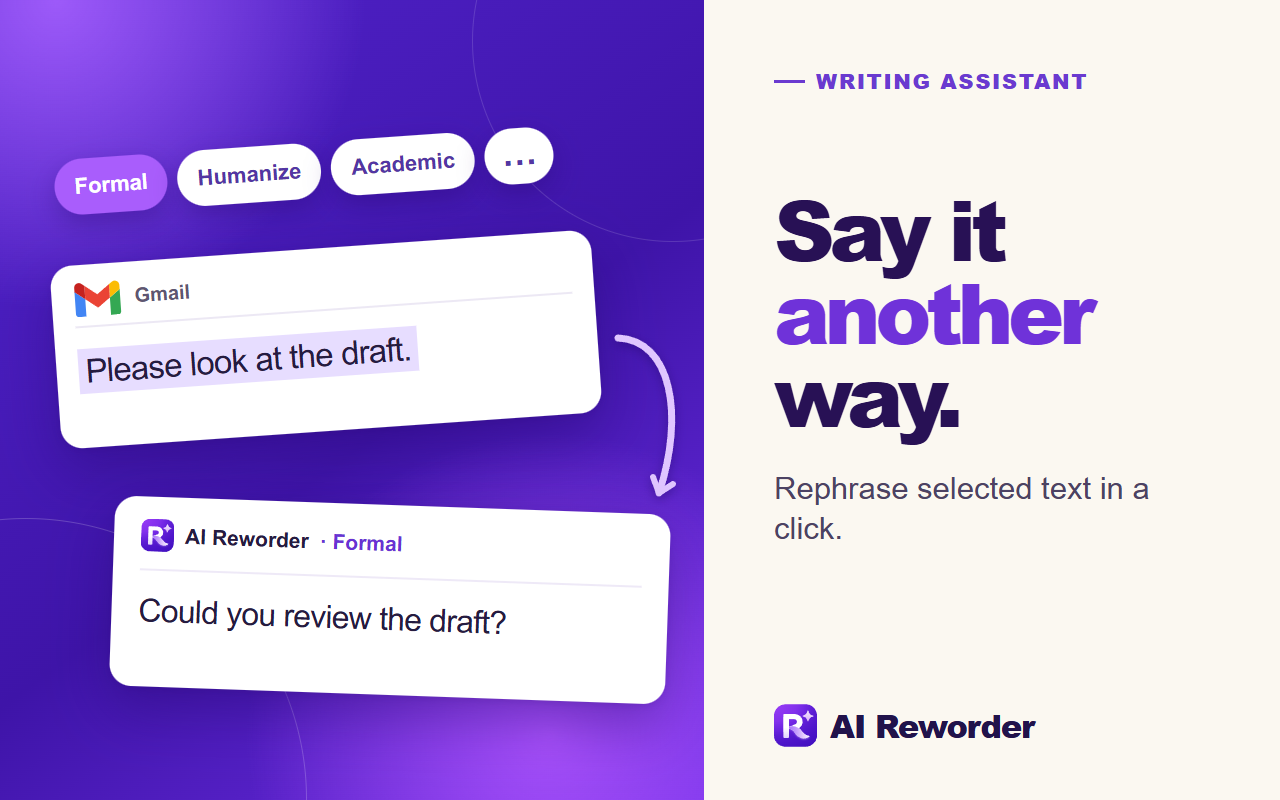
Say the same thing in different words.
Fix clear mistakes while keeping your wording.
Make stiff writing sound more natural.
Use a more scholarly tone.
Make a message more professional.
Add detail without inventing facts.
Keep the key point, use fewer words.
Use AI Reworder in website text fields, editable areas, and Google Docs. It can work with a short selection or the full text in a field.
 Notion
 Gmail
 Google Docs
 Slack
 Facebook
 Reddit
 WhatsApp
 LinkedIn
When there is no selection, the Chrome toolbar button opens AI Reworder’s sidebar. Enter or paste text, choose one of seven modes, review the result, edit it if needed, and copy it.
Open the gear in the sidebar to manage the field icon and your shortcut.
Select ordinary text on a website, such as an article or a message you are reading. Click AI Reworder in the browser toolbar or press the shortcut. A result appears for copying; the source page is never replaced.
AI Reworder is a writing extension for working with text. It can rephrase a passage, check grammar, make stiff writing sound more natural, and change its style or length.
Use it in supported text fields and editors, Google Docs, ordinary webpage text, or the sidebar. To open the sidebar, click the Chrome toolbar button with no text selected on the page.
Review the result first. Clicking it replaces the captured selection in an editable field, and the change remains available in the editor’s Undo history. Results from ordinary page text are copied instead.
Grammar fixes clear spelling, grammar, and punctuation mistakes while preserving the original wording.
Text is sent for processing only when you request a result. AI Reworder does not save submitted text or generated results in its own databases or application logs. The privacy policy explains provider processing and analytics.
Selected text is sent for processing when you ask for a result. AI Reworder does not save the input or result on its own server. The privacy policy explains the service, provider processing, and usage analytics in detail.
Read the privacy policy →Install AI Reworder in Chrome and start refining text wherever your next sentence happens.
Add to Chrome ↗